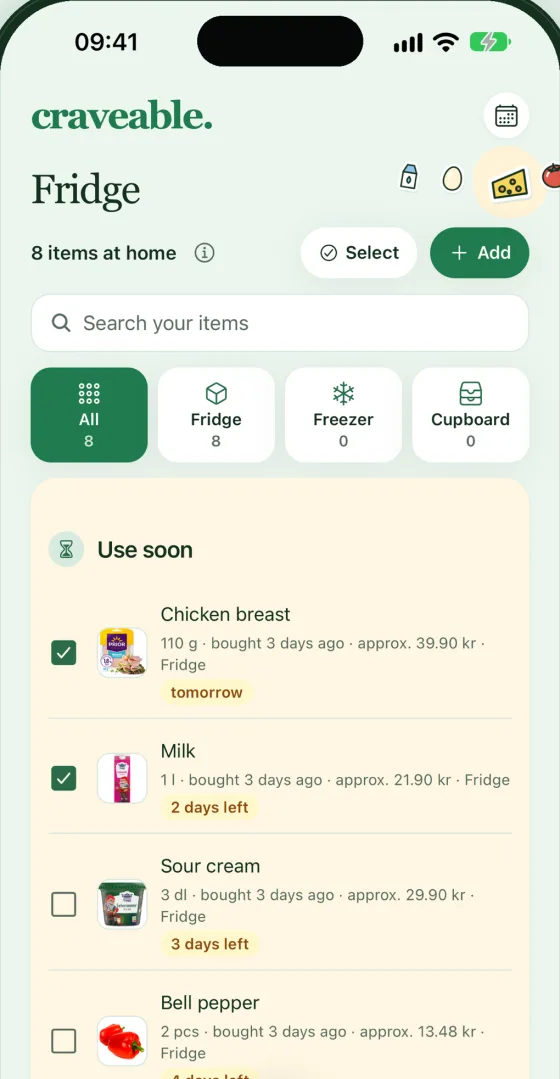
Fridge
See what you have at home and what is about to expire, and cook something from it.
Fra lyst til middag
Your own cookbook and food diary. Any dish, yours or a friend's, becomes a shopping list with real products and prices in your store, in one tap.

 Scan with
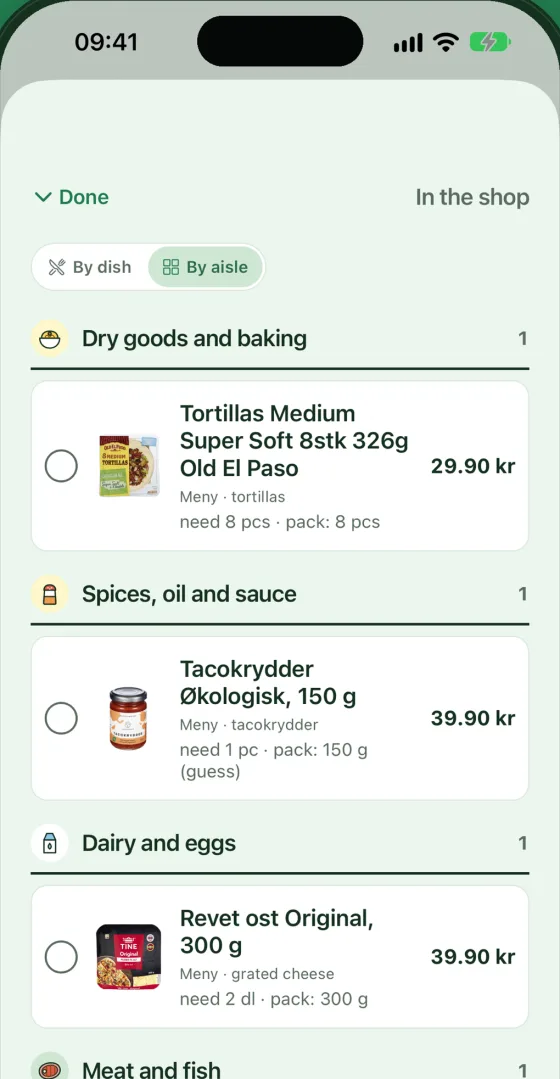
Products and prices from eight Norwegian chains






Price data from Kassal.app. Prices are guides, and the app writes "approx." when a price is an estimate.
How it works
The cookbook and the diary are the heart of it. The rest hangs on them.
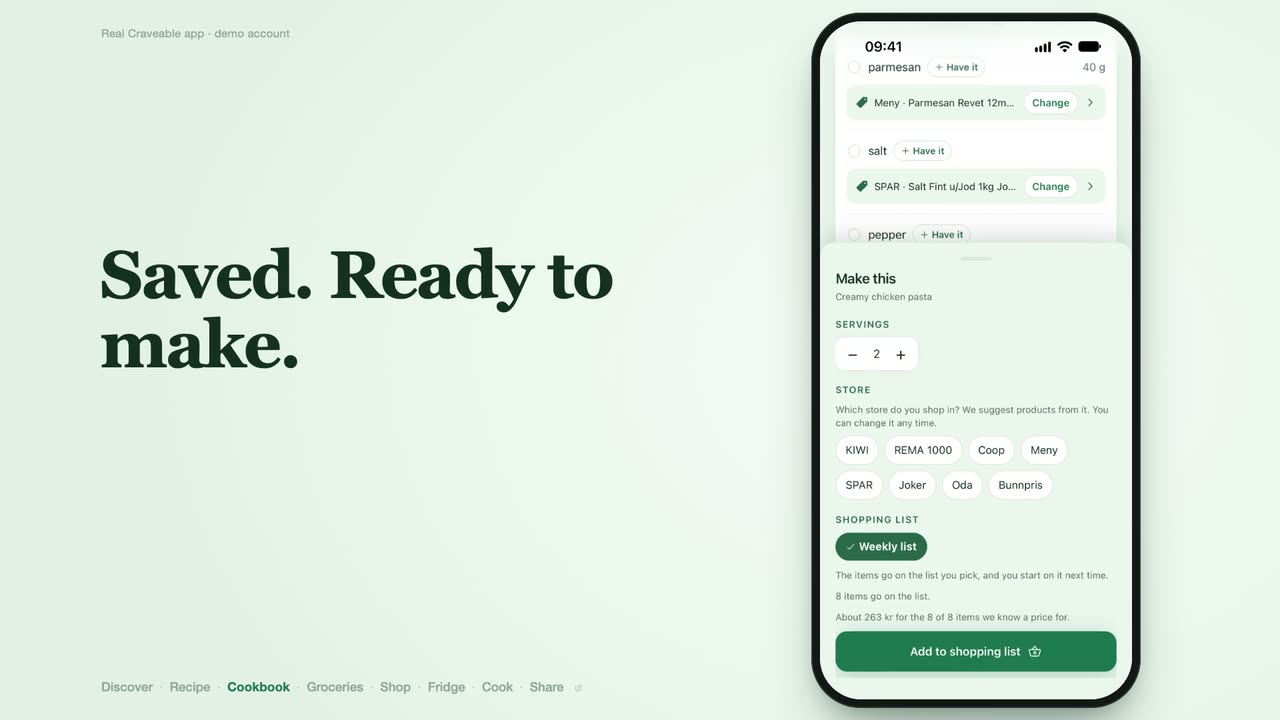
Take a photo of a cookbook page, paste a link or share a video. Craveable turns it into a recipe you can correct, and puts it in your own cookbook.
You always correct the draft before it is saved.
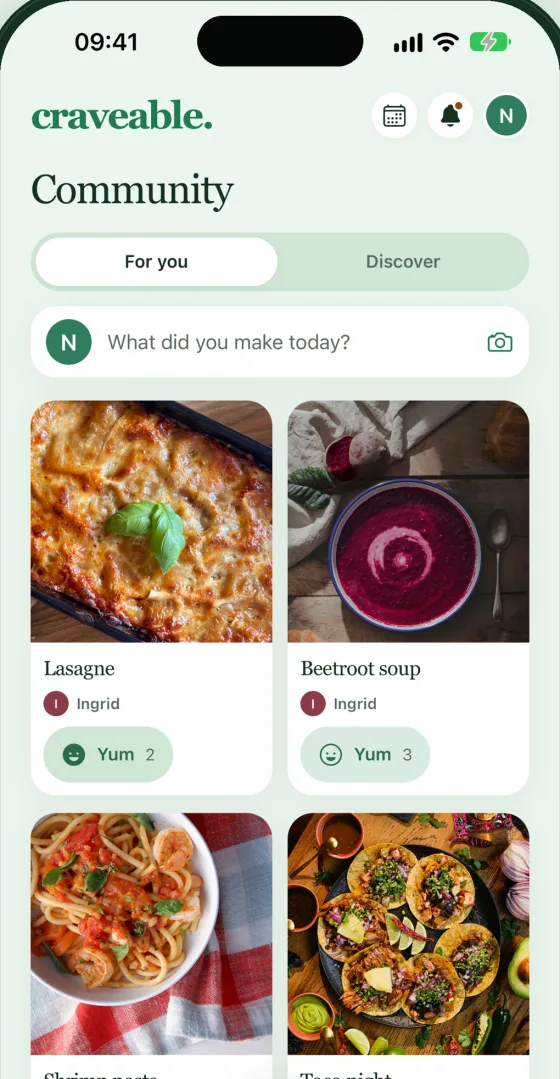
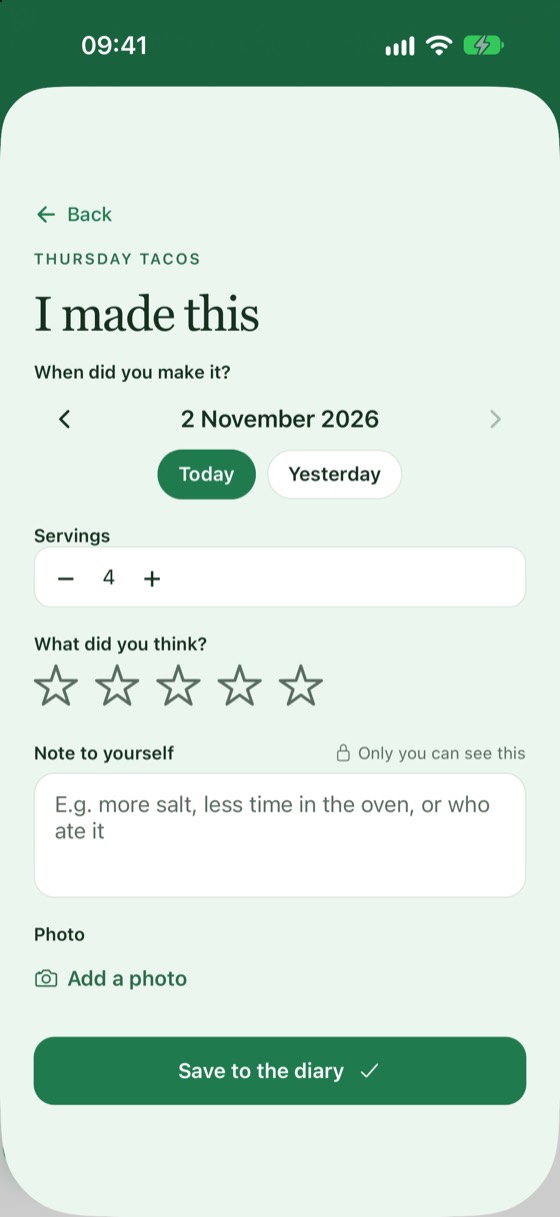
Tap “I made this”. Add a photo, stars and a private note to yourself: more salt next time, or who ate with you. That is how you build a food diary without thinking about it.
Your notes are never shared.
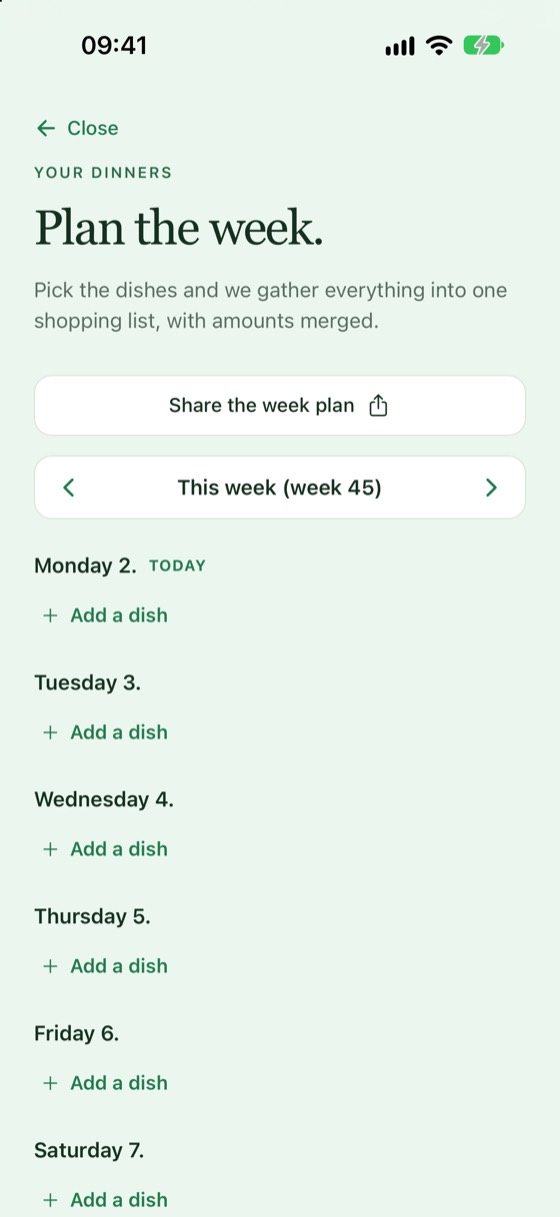
Share the shopping list or the week plan with your household, so everyone sees the same while they shop. Send a dish as a link. The person who gets it reads it in the browser, without the app.
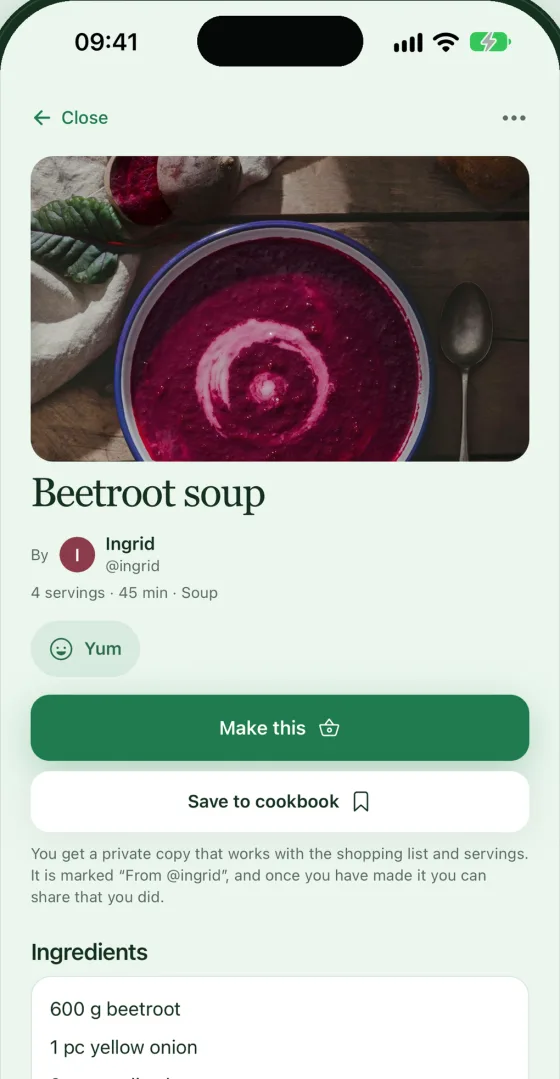
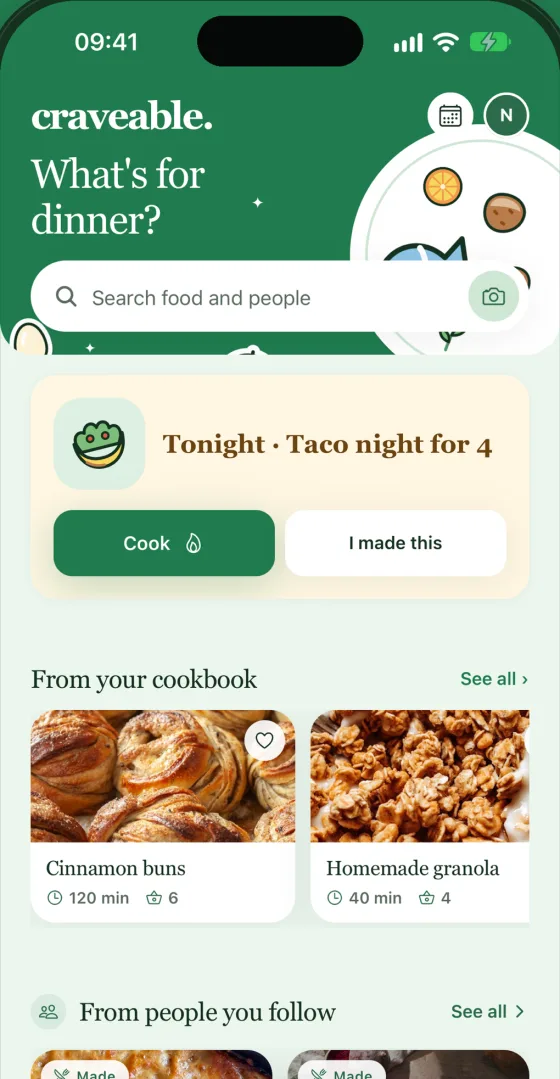
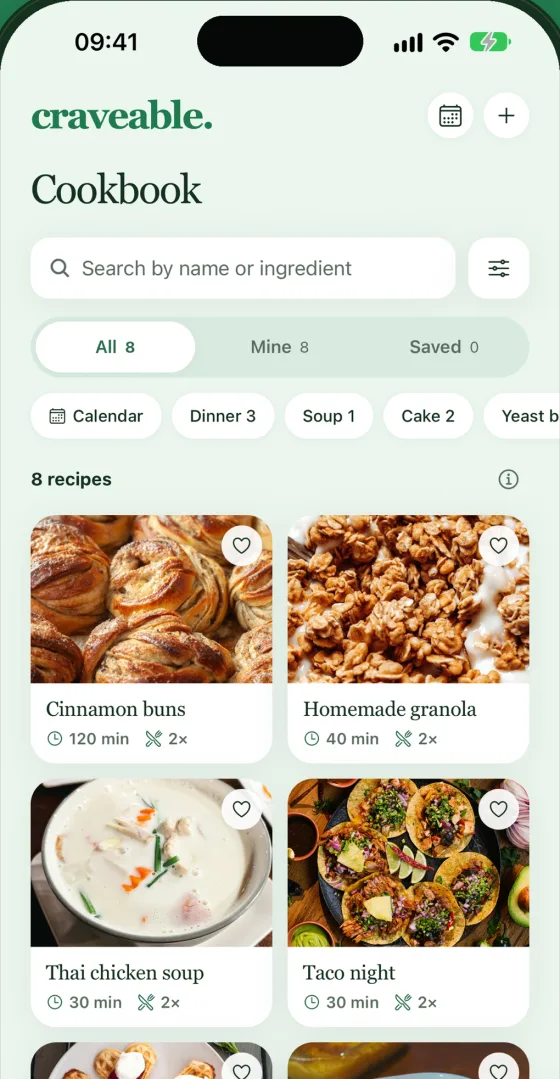
The start page shows real dishes from your cookbook and from people you follow, not an algorithmic mess. AI suggestions come last, and are always labelled.
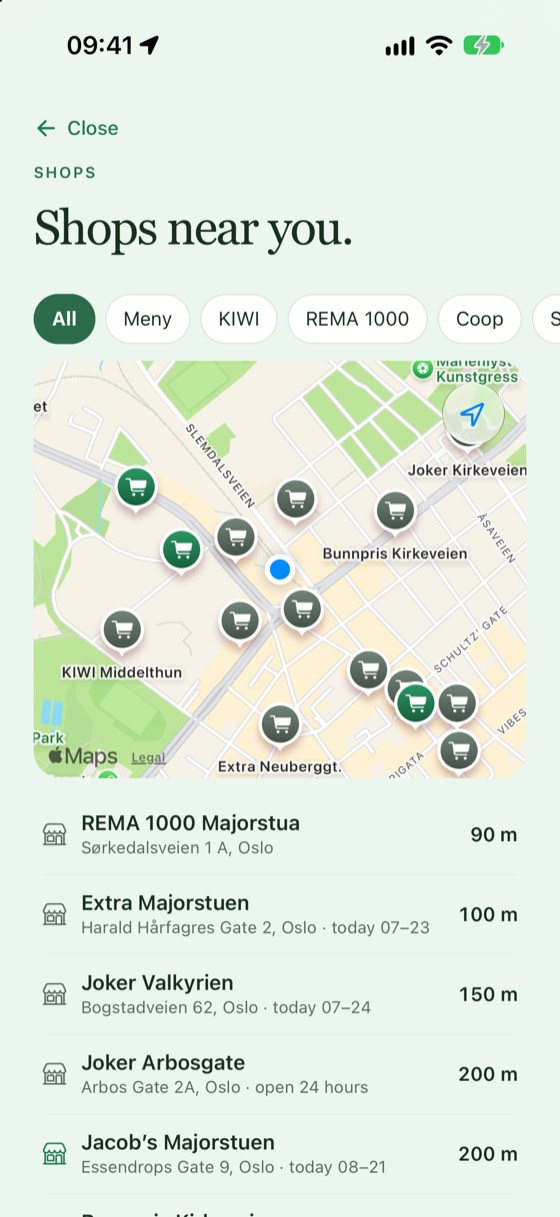
One tap turns a dish into a shopping list with real products and prices from eight chains, in the store you choose. You see the total before you go, and shop aisle by aisle.
Price data from Kassal.app. Prices are guides and can differ from the shelf price.
Households and links
Optional
You do not need these to use Craveable. Switch them on when they suit you.
See what you have at home and what is about to expire, and cook something from it.
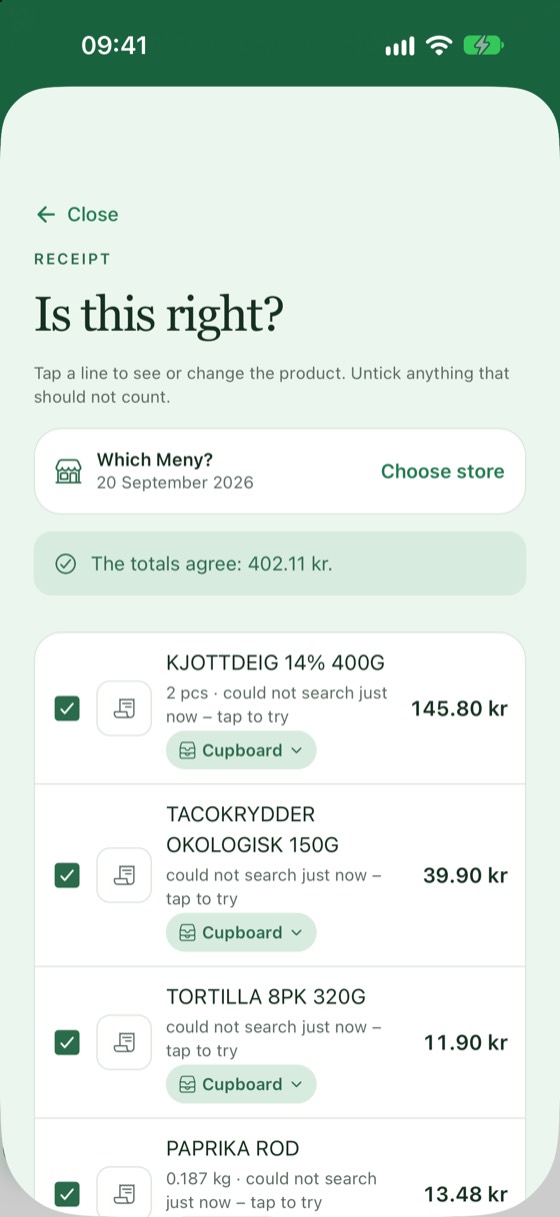
Take a photo of the receipt. You check the lines before anything is saved.
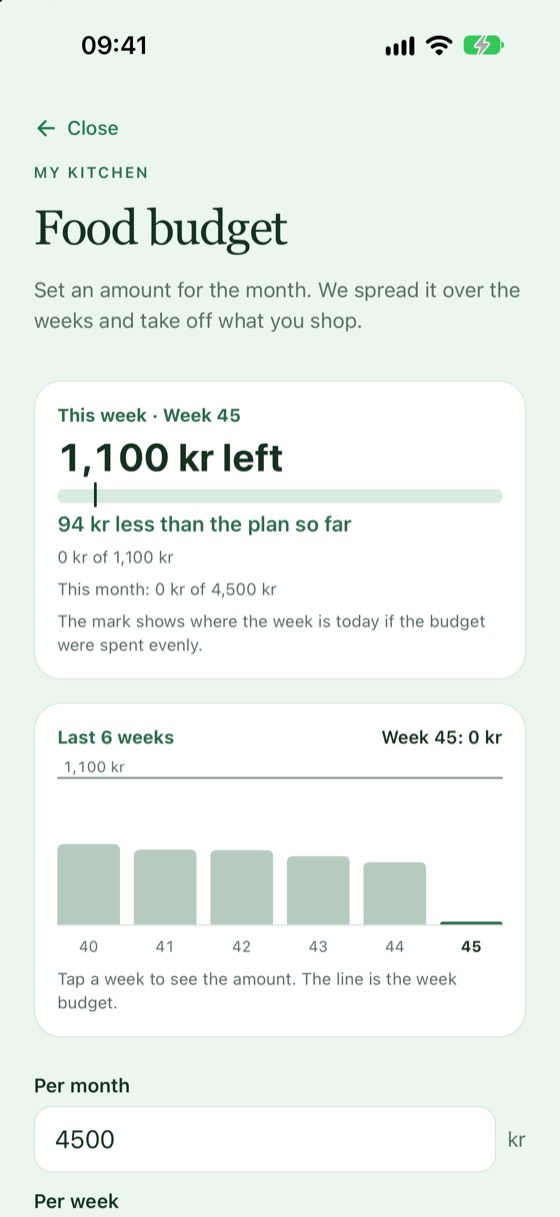
Set an amount for the month and see how much is left this week.
What it costs
The cookbook, the food diary and the shopping lists are free. A paid Plus version with extras comes later.
Questions
Your cookbook, diary and notes are private. Nobody else sees them until you choose to share something. You can use the app as a guest without creating anything, or sign in with Apple to have your data on more than one phone.
You can delete your account and everything you have saved in the app under Profile › Account. It is all in the privacy statement. The app has no ads.
Products and prices come from eight Norwegian chains via Kassal.app, including KIWI, REMA 1000, Coop, Meny, SPAR and Joker. You pick the store you use, and the list is put together from there.
Prices are guides. The app writes “approx.” when a price is an estimate, and never shows a price it does not have.
iPhone only for now. If you want to know what is coming, write to craveable@vendowstudio.com.
The cookbook, food diary and shopping lists are free. A paid Plus version with extras comes later.
Craveable is out now on the App Store for iPhone, free. It is in the Norwegian App Store for now. Download Craveable on the App Store.